
Best video playback apps for android
- VLC for Android|
- Video Player All Format|
- Video Player All Format|
- Video Playback|
- MX Player|
- Video Player All Format|
- HD Video Player All Formats|
- KMPlayer - All Video Player|
- Video Player All Format|
- Video Player for Android|
Here are UPUP's list of best video playback apps for android:
- 1 Ranking
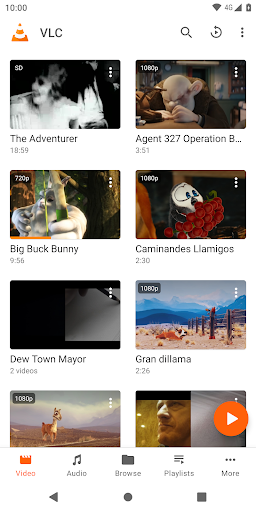
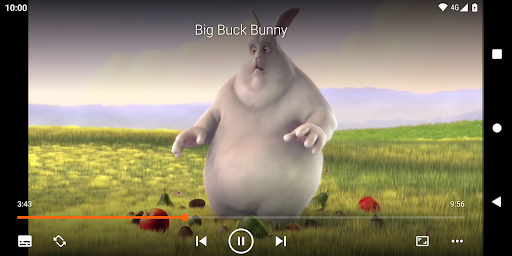
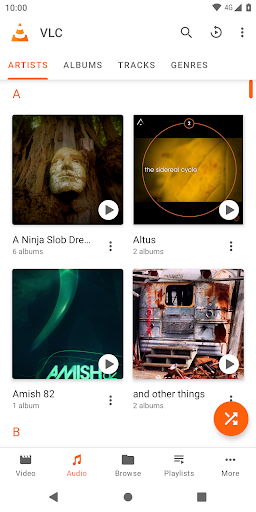
VLC media player is a free and open source cross-platform multimedia player that plays most multimedia files as well as discs, devices, and network streaming protocols.<br><br>This is the port of VLC media player to the Android™ platform. VLC for Android can play any video and audio files, as well as network streams, network shares and drives, and DVD ISOs, like the desktop version of VLC.<br><br>VLC for Android is a full audio player, with a complete database, an equalizer and filters, playing all weird audio formats.<br><br>VLC is intended for everyone, is totally free, has no ads, no in-app-purchases, no spying and is developed by passionate volunteers. All the source code is available for free.<br><br><br>Features<br>––––––––<br>VLC for Android™ plays most local video and audio files, as well as network streams (including adaptive streaming), DVD ISOs, like the desktop version of VLC. It also support disk shares.<br><br>All formats are supported, including MKV, MP4, AVI, MOV, Ogg, FLAC, TS, M2TS, Wv and AAC. All codecs are included with no separate downloads. It supports subtitles, Teletext and Closed Captions.<br><br>VLC for Android has a media library for audio and video files, and allows to browse folders directly.<br><br>VLC has support for multi-track audio and subtitles. It supports auto-rotation, aspect-ratio adjustments and gestures to control volume, brightness and seeking.<br><br>It also includes a widget for audio control, supports audio headsets control, cover art and a complete audio media library.<br><br><br>Permissions<br>––––––––––––<br>VLC for Android needs access to those categories:<br>• "Photos/Media/Files" to read your all media files :)<br>• "Storage" to read your all media files on SD cards :)<br>• "Other" to check network connections, change the volume, set the ringtone, run on Android TV and display the popup view, see below for details.<br><br>Permission Details :<br>• It needs "read the contents of your USB storage", in to order to read your media files on it.<br>• It needs "modify or delete the contents of your USB storage", in order to allow deletion of files and store subtitles.<br><br>• It needs "full network access", to open network and internet streams.<br>• It needs "prevent phone from sleeping" in order to prevent... your phone from sleeping when watching a video.<br>• It needs "change your audio settings", in order to change audio volume.<br>• It needs "modify system settings", in order to allow you to change your audio ringtone.<br>• It needs "view network connections" in order to monitor whether device is connected or not.<br>• It needs "draw over other apps" to start the custom picture-in-picture widget.<br>• It needs "control vibration" to give feedback on the controls.<br>• It needs "run at startup" to set recommendations on Android TV launcher screen, only used on Android TV devices.<br>• It needs "microphone" to provide voice search on Android TV devices, only asked on Android TV devices.
- Price
- Free
- Size
- 0M
- Type
- video playback apps
- Rating 4.1 (1890122 Ratings)
- 2 Ranking
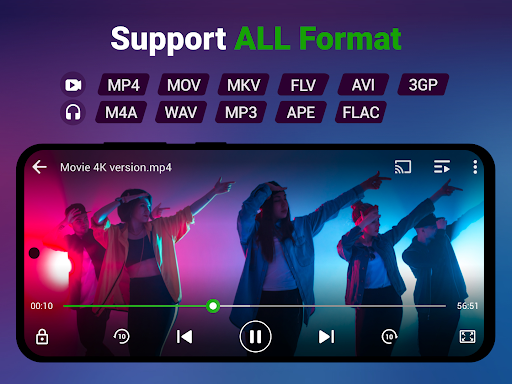
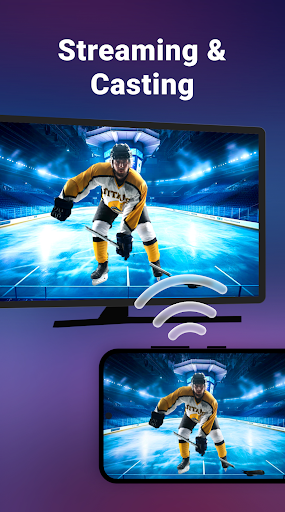
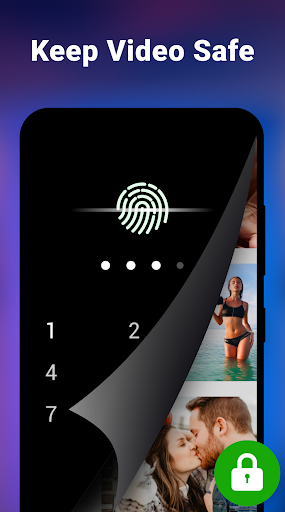
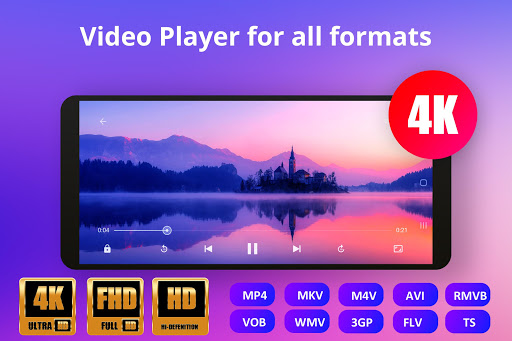
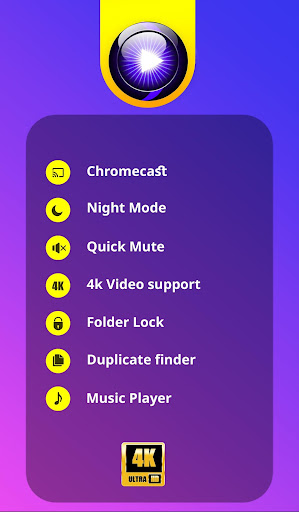
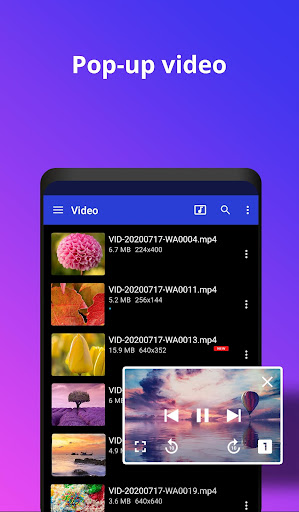
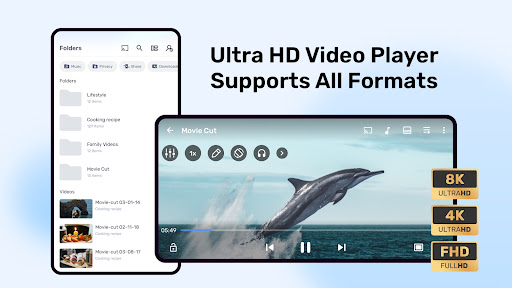
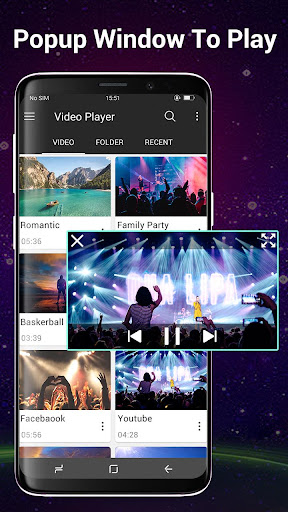
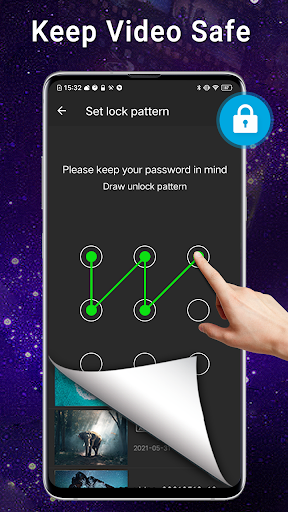
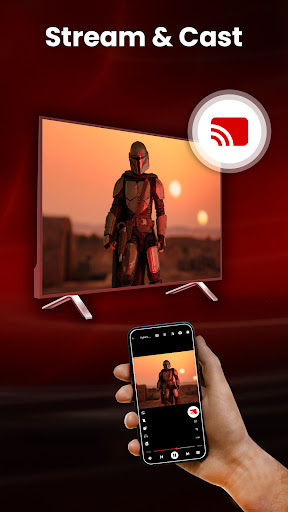
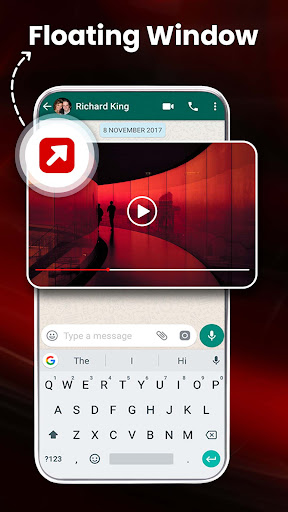
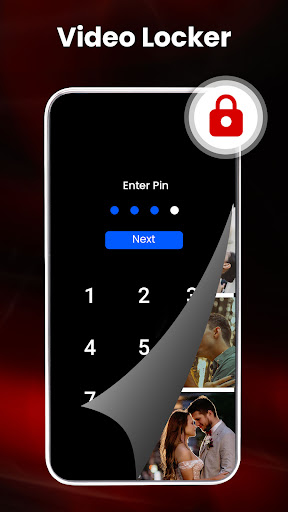
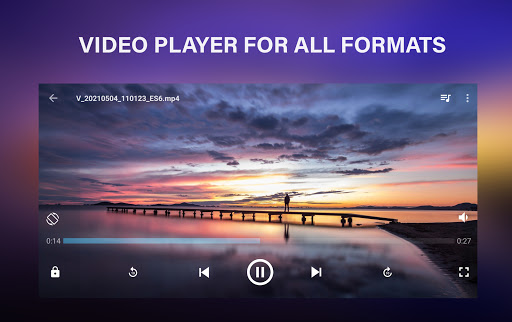
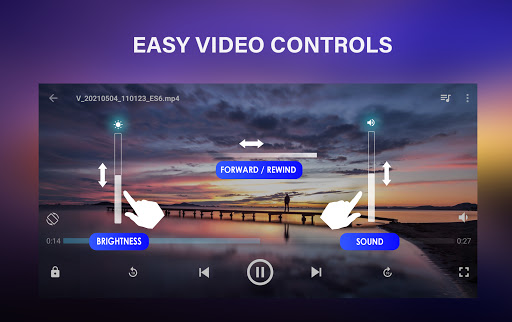
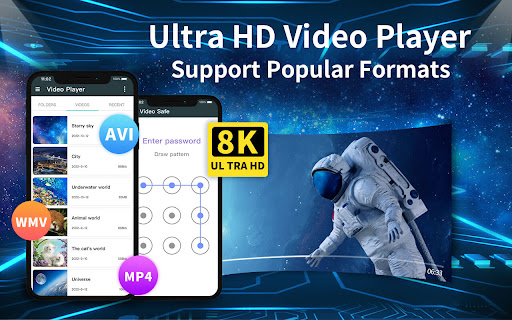
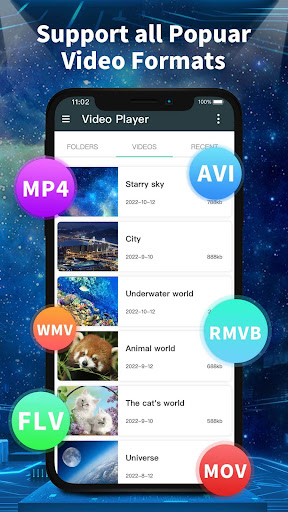
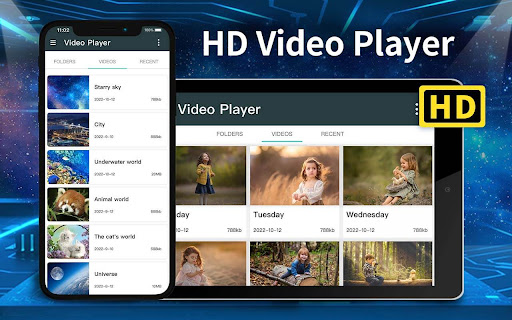
Video Player All Format is a professional video playback tool. <br><br>XPlayer supports setting passwords for your <b>private album</b>, protects your <b>private videos</b> from being deleted or seen by other people. <br><br>Video Player All Format supports <b>ALL video formats, 4K/ultra HD</b> video files, and plays them with high-definition. It is one of the best HD video players for android tablets and android phones. <br><br>KEY FEATURES:<br>● Keep your video safe with <b>private folder</b>.<br>● Support ALL video formats, including <b>MKV</b>, MP4, M4V, AVI, MOV, 3GP, FLV, WMV, RMVB, TS etc.<br>● Ultra HD video player, support 4K.<br>● <b>Hardware acceleration</b>.<br>● Cast videos to TV with <b>Chromecast</b>.<br>● Support <b>subtitle</b> downloader and more.<br>● Play video in <b>pop-up window</b>, split screen or <b>background</b>.<br>● <b>Night Mode</b>, <b>Quick Mute</b> & <b>Playback Speed</b>.<br>● Identify ALL video files on your device and SD Card automatically.<br>● Manage or share videos easily.<br>● Easy to control volume, brightness and playing progress.<br>● Multi playback option: auto-rotation, aspect-ratio, screen-lock etc. <br>● Video player hd for both android tablet and android phone.<br><br><br>HD Player with speed control<br>HD player helps you enjoy full hd playback with slow motion & fast motion advanced settings. You can change media speed from 0.5 to 2.0 easily with this HD Player. <br><br>Floating Video Player<br>Video popup enables multitasking. The floating video player overrides other apps and it can be moved and resized easily. Enjoy video on the split-screen and use other apps as usual.<br><br>Background Video Player<br>Enjoy video on the background just like a music playback. Now you can watch a video in the way of listening to books.<br><br>Files manager<br>Identify ALL video files on your device and SD Card automatically. In addition, manage or share videos easily.<br><br>Video Player for android tablet<br>Support all devices, watch videos on both android tablet and android phone.<br> <br>Video player with casting to TV<br>Video player for Chromecast. Cast videos to android TV with Chromecast easily. It’s the best chromecast apps for android free.<br> <br>Easy to use<br>Easy to control volume, brightness and playing progress by sliding on playback screen.<br> <br>All Format Video Player<br>Play all format video, including MKV, MP4, M4V, AVI, MOV, 3GP, FLV, WMV, RMVB, TS etc.<br> <br>HD Video Player<br>Play HD, full HD & 4k video smoothly, moreover play video in slow motion.<br><br>XPlayer video player all format is a totally HD video player for android, simple and powerful. Any video formats are supported. All-in-one media player for different formats. We are open to any suggestions for better user experience. Please feel free to contact us at [email protected]
- Price
- Free
- Size
- 0M
- Type
- video playback apps
- Rating 4.8 (1710389 Ratings)
- 3 Ranking
Want to get the best Video Player experience on your device?<br><br>Stunning, beautifully crafted HD Video Player app for android packed with powerful features.It can play All video formats Including 4K ultra HD video files with high definition.It is the best video player fulfil all your media player needs and attractive user Interface gives you the best user experience.<br><br>Key Features :<br><br>● Video player supports all video formats including MP4, MOV, M4V, MKV, WMV, RMVB, FLV, AVI, 3GP, TS etc.<br>● Support for PAN and ZOOM video files.<br>● Play HD and 4K videos.<br>● Create Video Playlist and add your favourite videos to it.<br>● Folder Explorer with CUT ,COPY and PASTE.<br>● Video Resume, Playback Speed, Night Mode & Timer.<br>● Play videos in POP-UP window.<br>● Equalizer support with treble and voice clarity adjustments.<br>● Video Locker protects your personal video from others when use your device.<br>● Support for Subtitle Download.<br>● Video Cutter,MP3 Cutter and Video to MP3 Converter.<br>● Powerful Music Player with 5 Band Equalizer and Bass Boost.<br>● Cast videos to TV with Chromecast.<br>● Fast forward ,fast backward.<br>● Find and delete video files with Duplicate Video Finder and save your space.<br>● Multi-Select video files and play, share or delete.<br>● Easy gesture control of brightness and volume.<br><br>Playback speed<br>You can adjust video playback speed of HD video player from .25x to 4x.<br><br>Floating Video Player<br>Floating video play option helps you to interact with other apps while watching movies.<br><br>Files manager<br>Identify ALL video files on your device including SD Card and manage them easily.<br><br>Background Video Player<br>Background video play feature plays video in background like music player.<br><br><br>UPlayer is a totally FREE HD video player for android that can handle all format video files. Send your feature request and suggestions about UPlayer at [email protected]
- Price
- Free
- Size
- 0M
- Type
- video playback apps
- Rating 4.6 (434342 Ratings)
- 4 Ranking
Video Playback app is an Ad supported app that will<br>let you play all your favorite videos mp4 3gp found on <br>your Android Device .
- Price
- Free
- Size
- 0M
- Type
- video playback apps
- Rating 4 (660 Ratings)
- 5 Ranking
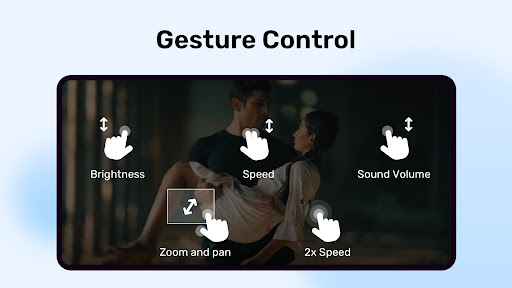
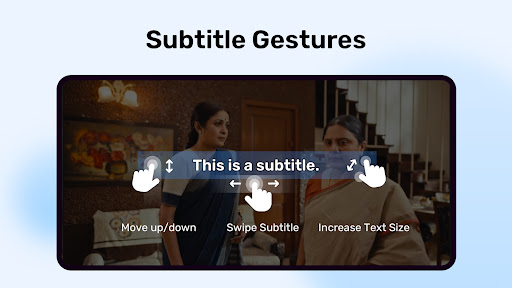
Powerful video and music player with advanced hardware acceleration and subtitle supports<br><br><b>a) HARDWARE ACCELERATION</b> - Hardware acceleration can be applied to more videos with the help of new HW+ decoder.<br><br><b>b) MULTI-CORE DECODING</b> - MX Player is the first Android video player which supports multi-core decoding. Test results proved that multi-core device's performance is up to 70% better than single-core devices.<br><br><b>c) PINCH TO ZOOM, ZOOM AND PAN</b> - Easily zoom in and out by pinching and swiping across the screen. Zoom and Pan are also available by option.<br><br><b>d) SUBTITLE GESTURES</b> - Scroll forward/backward to move to next/previous text, Up/down to move text up and down, Zoom in/out to change text size.<br><br><b>e) Privacy Folder</b> - Hide your secret videos to your private folder and protect your privacy.<br><br><b>f) KIDS LOCK</b> - Keep your kids entertained without having to worry that they can make calls or touch other apps.<br><br><b>Subtitle formats:</b><br><br>- DVD, DVB, SSA/*ASS* subtitle tracks.<br>- SubStation Alpha(.ssa/.*ass*) with full styling.<br>- SAMI(.smi) with Ruby tag support.<br>- SubRip(.srt)<br>- MicroDVD(.sub)<br>- VobSub(.sub/.idx)<br>- SubViewer2.0(.sub)<br>- MPL2(.mpl)<br>- TMPlayer(.txt)<br>- Teletext<br>- PJS(.pjs)<br>- WebVTT(.vtt)<br><br>******<br>Permission Details:<br>–––––––––––––––––––<br>* "READ_EXTERNAL_STORAGE" is required to read your media files in your primary & secondary storages.<br>* "WRITE_EXTERNAL_STORAGE" is required to rename or delete files and to store the downloaded subtitles.<br>* "LOCATION" permission is required to help find nearby friends.<br>* "NETWORK" and "WIFI" permissions are required to get the network status which is required for various activities like license checking, update checking etc. <br>* "BLUETOOTH" permission is required in order to improve AV sync when the Bluetooth headset is connected.<br>* "CAMERA" permission is required to scan QR code.<br>* "INTERNET" is required to play internet streams.<br>* "VIBRATE" is required to control the vibration feedback.<br>* "WAKE_LOCK" is required to prevent your phone from sleeping while watching any video.<br>* "KILL_BACKGROUND_PROCESSES" is required to stop the MX Player services used in background play.<br>* "DISABLE_KEYGUARD" is required to temporarily prevent secure screen lock when Kids Lock is used.<br>* "SYSTEM_ALERT_WINDOW" is required to block some keys when Kids Lock is used.<br>* "DRAW OVER OTHER APPS" is required to block system buttons when input blocking is activated on the playback screen.<br><br>******<br>If you are facing "package file is invalid" error, please install it again from product home page (https://mx.j2inter.com/download)<br>******<br><br>If you have any questions, please visit our Facebook Page or XDA MX Player forum.<br><b>https://www.facebook.com/MXPlayer</b><br><b>http://forum.xda-developers.com/apps/mx-player</b><br><br>Some of the screens are from the Elephants Dreams licensed under the Creative Commons Attribution 2.5.<br>(c) copyright 2006, Blender Foundation / Netherlands Media Art Institute / www.elephantsdream.org<br><br>Some of the screens are from the Big Buck Bunny licensed under the Creative Commons Attribution 3.0 Unported.<br><br>(c) copyright 2008, Blender Foundation / www.bigbuckbunny.org
- Price
- Free
- Size
- 0M
- Type
- video playback apps
- Rating 4.3 (13015755 Ratings)
- 6 Ranking
Video player All Format for Android supports ALL video formats, 4K/ultra HD video files, is a best HD video player with advanced hardware acceleration, smart playback, easy using, stylish design, and also protects your private video from being deleted or seen when people use your device.<br>Video Player All Format is a professional video playback and manger tool. Video Player automatically identifies all video files, plays with high-definition, make you enjoy the fast and smooth HD video playback quality.<br>HD Video player is the essential software for your Android devices. It’s definitely your best partner to enjoy the videos and movies playing! <br><br><b>All Format Video Player:</b><br>Video Player supports all popular video formats, including 3GP, AVI, FLV, M4V, MKV, MOV, MP4, WMV, etc.<br><br><b>Set password for private videos:</b><br>Secure password for your private videos in a folder to hide and manage them. Access the private videos through secure steps and you don’t need to worried about anything. If forgot the password, you can find back your password by your security questions.<br><br><b>Smart manage classified videos:</b><br>Video Player can Identify ALL video files on your device and SD Card automatically, allowing you to quickly locate and play the video. It helps you to manage your videos better. In addition, you can quickly rename, cut, delete and share your videos in a convenient way.<br><br><b>High quality and HD playing:</b> <br>Video Player using hardware decoding, take advantage of hardware acceleration. You can startup quickly in all of your devices up to Android 8.0 and enjoy the best HD videos played with a HD quality and smoothly speed to get the most perfect movies playing experience.<br><br><b>Smart playback your videos:</b><br>Video Player is a best videos manager which helps you remember the last played progress, and auto playback in a HD Quality. Perfect stitching to the atmosphere of the previous movie scene. <br><br><b>Easy and convenient control:</b><br>Video Player supports gestures to easily adjust the screen brightness and video volume when you are watching the video. <br>And you can click the button to quickly control the videos’ progresses and the last or next video to play. In addition, locking screen, floating window playback, horizontal and vertical screen switching, trimming current interface, adjusting screen sizes features are ready for you!<br><br><b>Stylish design & colorful themes:</b><br>Video Player is designed by a simple stylish style and images filleted. And you can select your favorite one of six colorful themes to make your exclusive video player.<br><br>HD Video Player is a powerful and private smart playback video player. We are struggle for bringing you the most perfect experience in the HD video player. Hope you can enjoy the fun of movies playing in video player.<br><br>Notice: Video player is a free video player, but not supporting for downloading the online videos. All online videos are provided by YouTube complying with uses terms.
- Price
- Free
- Size
- 0M
- Type
- video playback apps
- Rating 4.5 (110184 Ratings)
- 7 Ranking
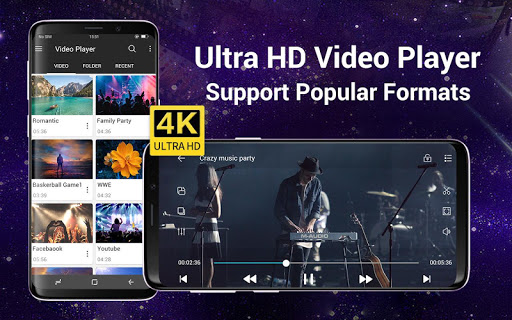
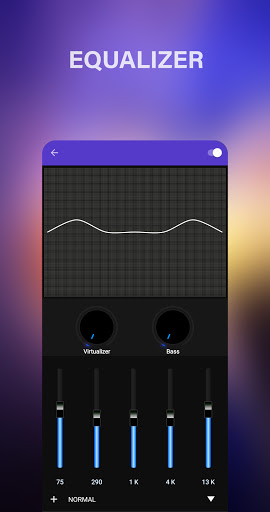
Video player (MP3 player) for all formats like mp3, mp4, MOV, etc. It gives a list of features to play videos and songs. This player supports all video formats like HD, Full HD, 4K, and Ultra HD video files. It is one of the best Powerful HD video player for Android.<br><br><b>Perfect Video player to play videos, manage your files, folders with file manager, scan duplicate files, hider and cleaner.</b><br><br><h4>KEY FEATURES:</h4><br>● Supports most popular formats like MKV, MP4, M4V, MOV, 3GP, FLV, WMV, RMVB, TS, MP3, MPG, etc.<br>● <b>Cast Video to TV</b> from your Android phone.<br>● Built-in <b>Video Downloader and mp3 player, mp4 player</b> functionality<br>● Ultra HD video player supports FHD, 4K, and all types of video formats.<br>● Support multiple subtitle downloader, video downloader, and more.<br>● Play the video in a pop-up window, split-screen and Play-In background as an audio file.<br>● <b>Hardware acceleration with the new HW+ decoder</b> and Extension mode<br>● <b>Video locker, Video hider for private video files</b> and play in mp4 player.<br>● Playback Speed and Dual Audio support in the MP3 player and mp4 player<br>● Sleep timer for Video and Music player.<br>● Video downloader for Facebook, Instagram, and other social media with mp4 player functionality<br>● Built-in Gallery to Manage photo albums.<br>● Online trending videos play in mp3 player and mp4 player and more.<br>● Browse & Search all media files, create a playlist, search artists, albums, genre, etc.<br>● Manage Recently played videos and songs, resume, and start over option in the video player.<br>● <b>Fast and Secure Social Media Video Downloader</b> for all formats.<br>● Night Mode to protect eyes from blue light, Quick Mute option in Player screen.<br>● Identify all video files on your device and scan the SD Card automatically.<br>● Smart <b>gestures to control volume, playing progress, and brightness.</b><br>● Smart playback options like Pinch to zoom, auto-rotation, aspect ratio, and screen lock.<br>● Multiple materials, gradient, and custom themes.<br>● Video Hider, photo hider & Gallery Vault<br>● Powerful Equalizer with Bass Boost and Virtualizer in mp3 player.<br>● <b>Create Playlist and manage</b> after downloading from the video downloader<br>● Encrypt/Decrypt files, explore with <b>File Manager, and protect with Secure Pin</b><br>● Filter duplicate<br><br><b>Video Player for All Formats</b><br>Play all video formats like MKV, MP4, M4V, MOV, 3GP, FLV, WMV, RMVB, TS, MP3, MPG, etc.<br><br><br><b>Full HD Video Player</b><br>Play HD, Full HD, Ultra HD, 4k, 1080p, and all types of video files smoothly in Video Player, mp4 player and download all files through video downloader.<br><br><br><b>Play-in Background Video Player</b><br>Play videos in the background option in the video player. You can play the video in the background like music playback and you can watch a video in the way of multi-tasking.<br><br><br><b>Floating Video Player All Format</b><br>The floating Player helps you watch videos when you are doing another task. Enjoy video on the split-screen and use other apps as usual.<br><br><br><b>Video player with complete control in media files</b><br>Recently played video queue, create playlist, filter duplicate media files, search video and songs, manage photo albums.<br><br><br><b>Filter for duplicate videos, photos, and hidden files.</b><br>Identify ALL video files on your device and SD Card automatically.<br><br><b>File Explorer, Files manager</b><br>Identify all video files and music files on your device and SD-Card automatically. In addition, download videos or share them easily.<br><br>Permission Details:<br>To provide quality service, the app needs the below Permissions.<br><br>* "WRITE_EXTERNAL_STORAGE" - Request to manage local storage, delete files, rename, and save the downloaded subtitles.<br><br>It is noted that our app is not sponsored or affiliated with YouTube, Facebook, Instagram, and other social sites.<br><br>Rocks video player for all formats is totally free. Full HD video player for Android. We love to hear your suggestions and feedback @ <u>[email protected]</u>
- Price
- Free
- Size
- 0M
- Type
- video playback apps
- Rating 4.3 (267382 Ratings)
- 8 Ranking
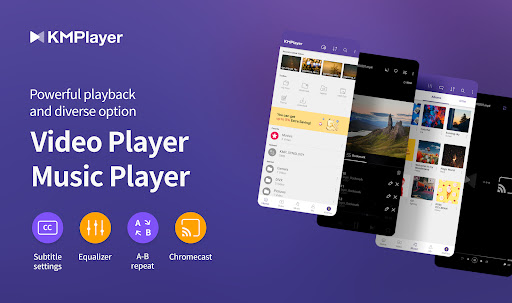
KMPlayer is a perfect media player that can play all forms of high resolution videos, music, and subtitle files.<br>Along with the flawless playback, enjoy the rich features of the player including quick button, bookmark, subtitle settings, and play speed settings!<br><br>KMPlayer has now created KMPlex!<br>Succeed in mission on KMPlex to earn points, and exchange the points with listed coins. ( Exchangeable coins: MovieBloc Token (MBL), Cobak Token (CBK) )<br><br>🎞️ KMPlayer 🎞️<br>· Bookmark: Add bookmark to the time points to playback any sections you wish to cherish<br>· Control Color: Change brightness, light intensity, hue, saturation, and gamma information<br>· Expand & Contract: Expand & contract the video screen being played<br>· Section Repeat: Repeatedly play a section from point A to point B<br>· Quick button: Quickly set the player options<br>· Equalizer: Save separate equalizers for music & video<br>· Subtitle Settings: Change color, size, and position of subtitles<br>· Chromecast Support : Watch video on TV using Chromecast<br>· URL Playing: Enter URL to play any videos on the web (streaming)<br>· Network: Supports FTP, UPNP, SMB, WebDav<br>· Cloud: Supports Dropbox, OneDrive<br><br>< Supported Formats ><br>Video and music : AVI, MP3, WAV, AAC, MOV, MP4, WMV, RMVB, FLAC, 3GP, M4V, MKV, TS, MPG, FLV<br>Subtitle : DVD, DVB, SSA/ASS Subtitle Track, SubStation Alpha(.ssa/.ass) with full styling.SAMI(.smi) with ruby tag support, SubRip(.srt), MicroDVD(.sub/.txt), VobSub(.sub/.idx), SubViewer2.0(.sub), MPL2(.mpl/.txt), TMPlayer(.txt), Teletext, PJS(.pjs) , WebVTT(.vtt)<br><br><br>💰 KMPlex 💰<br>Participate in various missions to earn points!<br>Exchange these earned points with coins and simultaneously send them to your Wallet!<br><br>< How to earn coins on KMPlex ><br>· Access KMPlex through KMPlayer and create your Wallet<br>· Participate in various missions and earn points (Make sure to participate in the special release event!)<br>· Collect points to exchange with listed coins ( Coins currently supported: MBL, CBK )<br><br><br>✨ KMPlayer VIP (in-app purchase) ✨<br>· Torrent client: Real-time play while the downloading<br>· Cut video & audio: Select a section of a video and audio to cut<br>· Create GIFs: Create lively GIFs from videos<br>· MP3 converter: Extract the audio in videos to MP3 files quickly and easily<br>· VIP themes: Create your personal unique theme from various options<br><br>< Subscription Details ><br>· Free trial is limited to 1 time per Google Play account.<br>· After the free trial period, the selected paid subscription plan will automatically be renewed and charged.<br>· Subscriptions canceled 24 hours prior to the end of the free trial won’t be charged.<br>· Subscription can be managed and canceled at any time from Google Play settings.<br><br><br>▶ Permission Details ◀<br>< Required ><br>*Over Android 11<br>All files access: Requesting permission to access photos, music, and videos stored in the device<br>You can set this permission by Settings->Security and privacy->Privacy->Permission manager->Files and media->See more apps that can access all files->All files access.<br>(It may look different depending on the type. Search for access to all files in settings)<br><br>*Under Android 11<br>Storage space: Requesting permission to access photos, music, and videos stored in the device<br><br>< Optional ><br>Phone: User Authentication is used to get points.<br>Notifications (Over Android 13): send notifications<br>Draw over other apps: Requesting permission to use pop-up play.<br>* You may use the basic service without agreeing to the optional permission. (However, features requiring optional permissions will not be available.)<br><br><br>▶ Message from the Developers ◀<br>KMPlayer’s development team are always open to your opinions to further improve the App. Feel free to request new features and please provide us with plentiful feedback.<br>Email: [email protected]
- Price
- Free
- Size
- 0M
- Type
- video playback apps
- Rating 4.1 (389075 Ratings)
- 9 Ranking
The best All format video player for Android with subtitle support.Listen to music with High quality equalizer. Browse and play music songs by genres , albums , artists , songs and folder.<br><br><br>Video Player Features<br><br>- Multi Select files by long press.<br>- Hardware Acceleration.<br>- Video player supports all video formats, including , MP4, M4V, AVI, MOV, 3GP, FLV, WMV, RMVB, TS etc<br>- Video Queue with reorder.<br>- Subtitle Support with subtitle delay adjustment.<br>- Find Duplicate video files.<br>- Video Lock and Unlock.<br>- Quick Mute.<br>- Night Mode.<br>- Sleep Timer.<br>- Sort video by date, title , count , path etc.<br>- Share video files with friends.<br>- Gesture Volume and Brightness Control.<br>- Video Resume playback.<br>- Playback Speed control<br>- Repeat and Shuffle option.<br>- Select Audio track in video.<br>- Audio Delay adjustment.<br>- Gesture Video seek.<br>- Quick delete video.<br>- Search media files.<br><br><br>Music Player Features<br><br>- Support for Chromecast.<br>- 5 band graphical Equalizer.<br>- Music player supports almost all types of audio formats including mp3 , midi ,wav , flac raw aac files.<br>- Music Tag Editor support.<br>- MP3 Cutter support.<br>- Bass and Virtualizer effect.<br>- Music queue with drag and sort feature.<br>- Playlist Support with reorder.<br>- Find all duplicate Music files.<br>- Queue with play list reorder<br>- Support for play list.<br>- Change album art.<br>- Attractive widget and lock screen playback.<br>- Set music as ringtone.<br>- Exclude music folder.<br>- Send Entire playlist to friends.<br>- Recently added music files.<br>- Audio presets support.<br>- Add music to favorites in a single tap.<br>- Exclude mini songs.<br>- Play , next or previous by phone shake.<br>- Play song by folder.<br><br>This application is a totally free HD video player that supports any kind of media files.Grab your own copy today itself.<br><br>Permissions required:<br><br>WRITE_EXTERNAL_STORAGE permission is required to rename or delete of files.<br>RECORD_AUDIO permission is required to show music visualizer.<br>READ_EXTERNAL_STORAGE permission is required to read your media files in storage.
- Price
- Free
- Size
- 0M
- Type
- video playback apps
- Rating 4.6 (164593 Ratings)
- 10 Ranking
Video Player for Android, the easiest video player in the market.<br>Video Player for Android is currently the easiest-to-use video player on the market. Its intelligent detection adaptive algorithm makes it more convenient for you to enjoy smoother, better quality videos. <br>It supports all popular video formats, including AVI, 3GP, M4V, MOV, MP4, WMV, RMVB, MKV, TS, MPG, FLV, etc. It uses hardware decoding, which make video play smoother. It can automatically detect videos in the phone memory and SD Card, allowing you to quickly locate and play the video.<br>As a media player, Video Player for Android can not only play high-definition videos, movies and flash files, but also play music. So Video Player for Android can be used as a music player as well.<br><br>Video Player for Android is the essential software of android mobile phone. It is definitely your best partner when enjoying the movie!<br><br>Features:<br>1 automatic identifiy all mobile phone video files<br>2 supports all video and audio playback formats<br>3 supports multiple subtitle formats, automatic synchronization<br>4 using hardware decoding, take advantage of hardware acceleration<br>5 small memory, simple operation, quick start, smooth playback support<br><br>Enjoy it!<br><br><br>Dear users:<br> There are hundreds kinds of Android phones/tablets in the world. We are always doing our best to make this app working better and easier on every device. But it is really very very hard job... So if you find any issues, please send email to us instead of useless comments or rating, we will try our best to help you!
- Price
- Free
- Size
- 0M
- Type
- video playback apps
- Rating 4 (458182 Ratings)